

In this newsletter, I’m sharing the results of an interesting survey, useful insights from a UXDX event, guidance on how large a button should be, and more.
1. How many customers seek for a promo code?
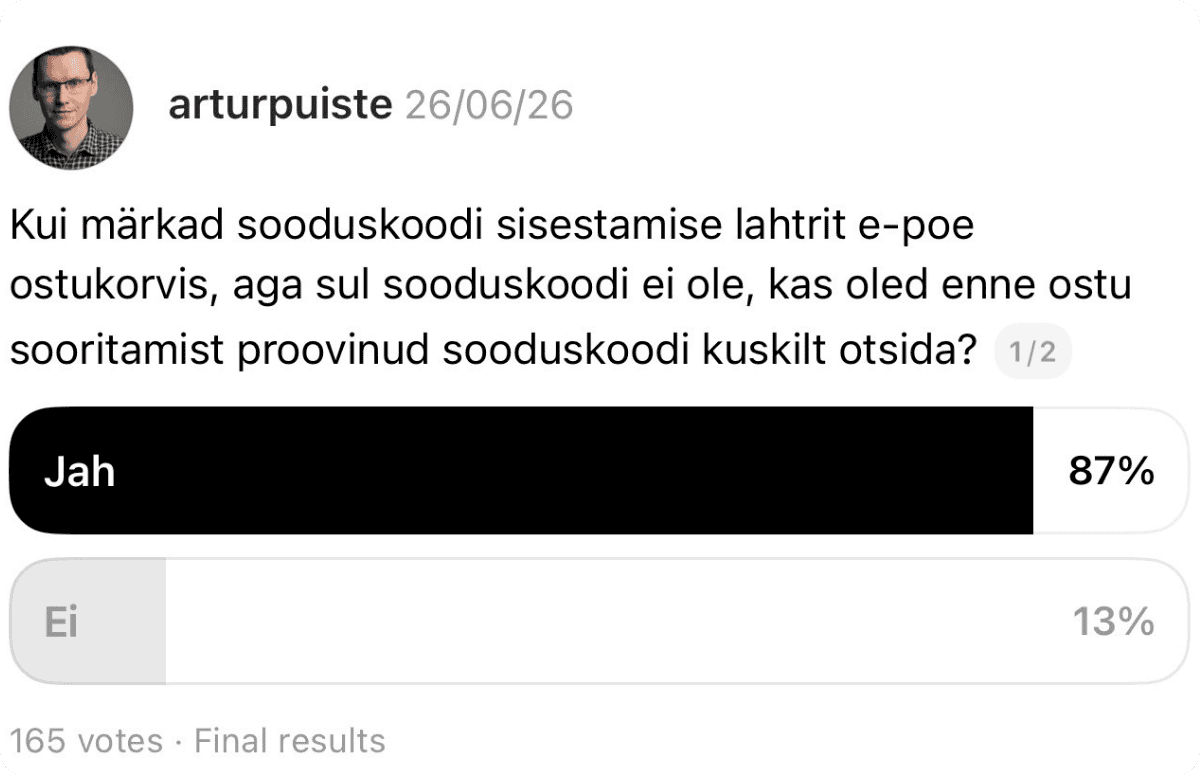
This summer, I asked people: “When you notice a discount code field in an online shopping cart but don’t have a code, have you ever tried looking for one before completing your purchase?”
The survey received 165 responses, with 87% answering “yes”.
My advice: review how your discount code strategy works in your sales channel and whether it helps customers complete their purchases.
Read the respondents comments ➔
2. How do we design and develop in the age of AI?

This question was the focus of the UXDX community’s August event.
Speed vs quality. Automate what is repeatable, but leave time for quality design work.
There are many design methods and tools. Don’t choose an approach to a problem purely out of habit. Instead, consider the outcome you want at each stage of the design process and choose the most suitable method accordingly.
Explore more insights and photos from the event ➔
3. What is the purpose of a DESIGN.md file?
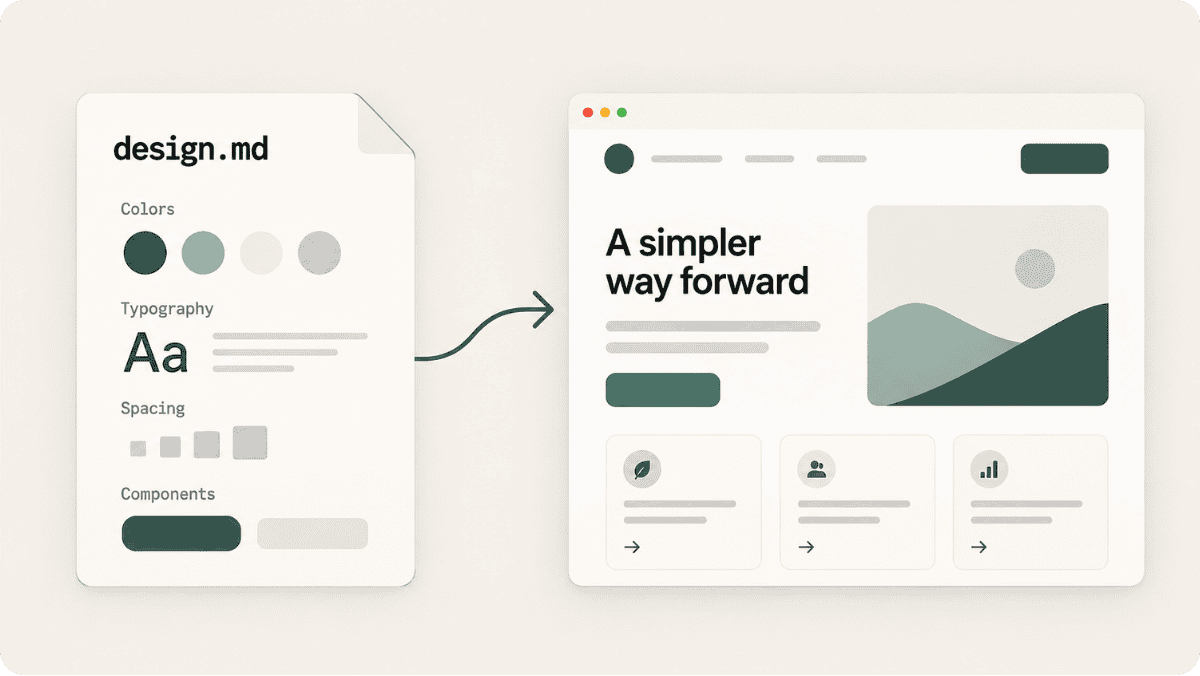
DESIGN.md is essentially a design brief for AI. It sets out the rules and principles of a product’s design system: colours, typography, element styles, and more.
This means you don’t have to repeat the same instructions to the AI for every screen, and the UI (user interface) stays more consistent.
Fun fact: Google was the first to introduce this approach on its UI generation platform, Stitch.
4. How large should a button be?
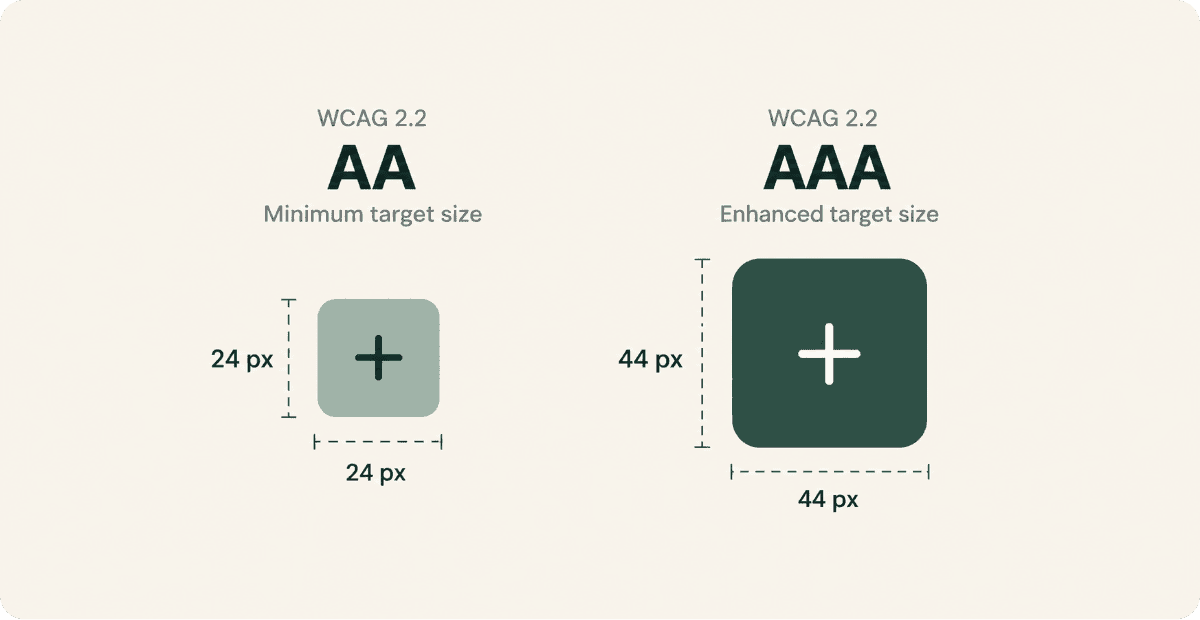
According to the WCAG 2.2 accessibility guidelines, the clickable target area should be at least 24 × 24 CSS pixels at Level AA. At Level AAA (which does not apply to standard websites), the requirement is 44 × 44 CSS pixels.
This doesn’t mean the icon itself has to be that large. For example, a small close icon can remain visually 16 × 16 pixels, as long as the clickable area around it is large enough.
A larger target area makes a button easier to hit, improving both accessibility and the overall user experience.
5. What kinds of games should you create?
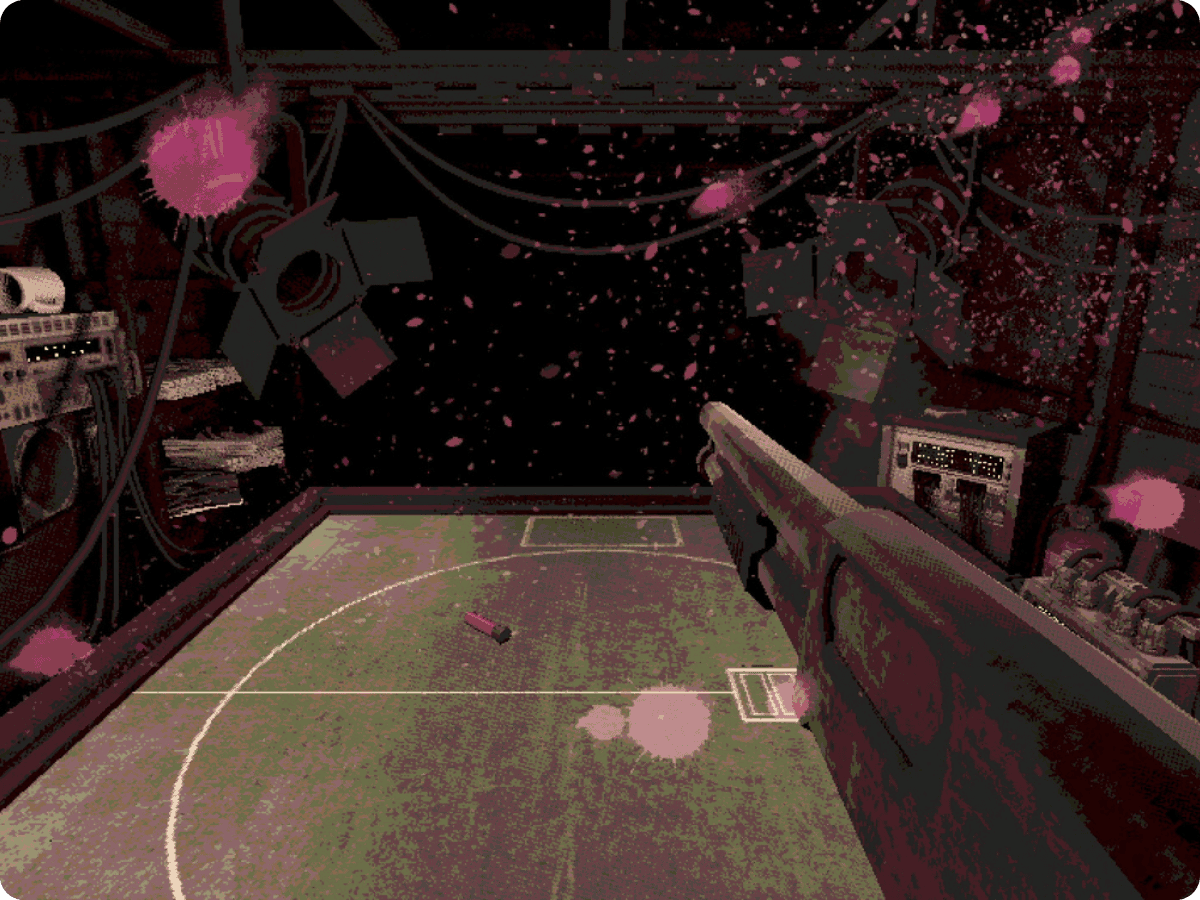
Here’s some advice from Mike Klubnika (real name Mikk Maasik), an Estonian game developer who has made a name for himself in the gaming world:
“I recommend making small games. With a short game that you can finish in two or three weeks, you essentially go through the entire process. You see all the parts that need to be done, and then you can simply do it again, knowing exactly which steps to take next time.
In general, I’d recommend simply making something fun and interesting – have fun with it.”