Hello again!
The winter holidays are slowly approaching. 🎅 And the Christmas spirit is starting to appear. 🎄
I hope you’ve settled in comfortably to take a journey into the world of UX and AI bites.
In this issue, the following topics await you:
1. What can we learn from the UI/UX design of IKEA’s self-checkout?
2. How good is Gemini 3 at vibe coding?
3. What nice new update has been added to Figma Make?
4. What interesting things were shared at the Canva conference?
5. What developments were presented at the Adobe event?
1. What can we learn from the UI/UX design of IKEA’s self-checkout?
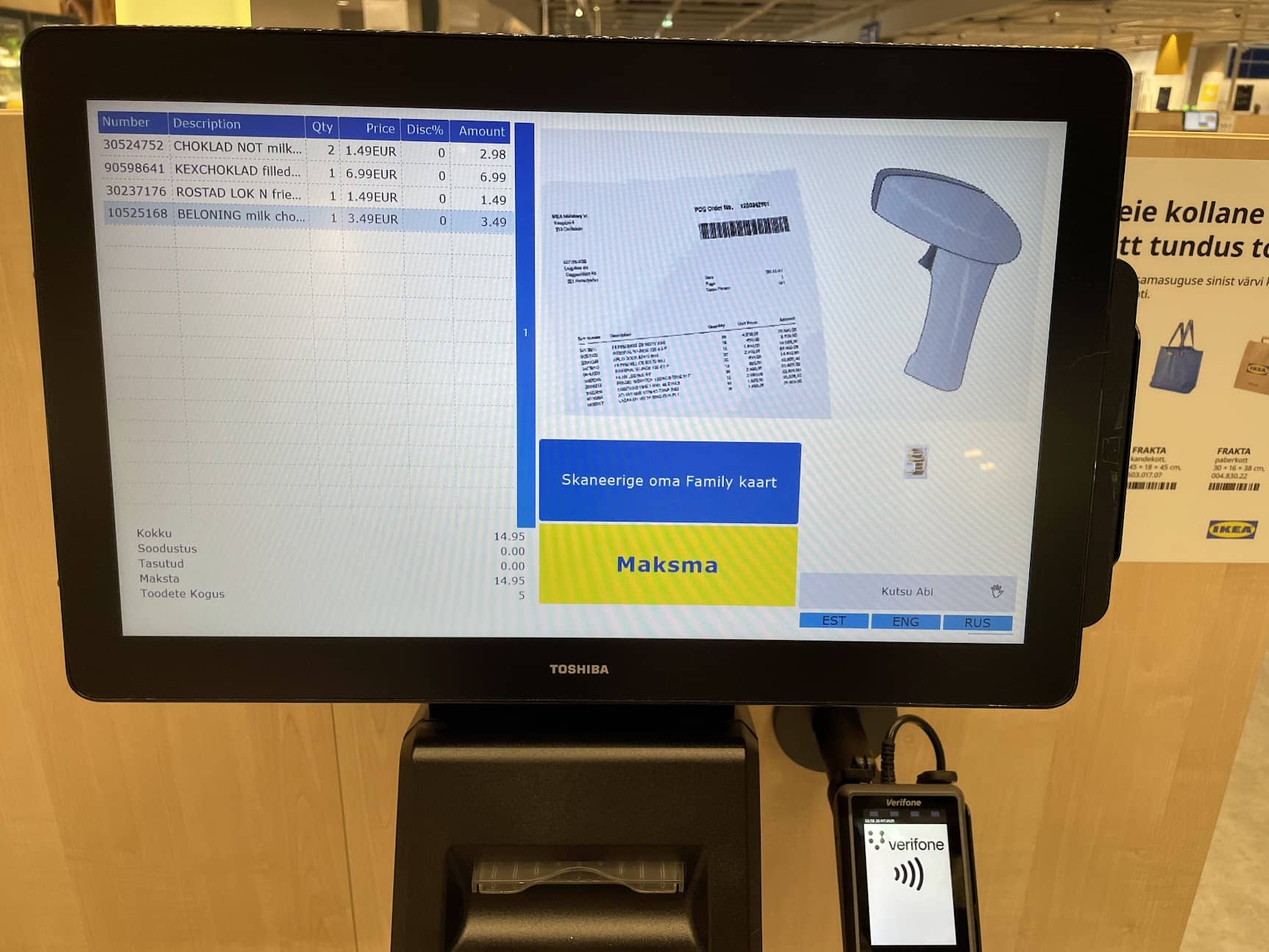
Are you one of those people who presses the button “Scan your Family card”? Did you know that this button doesn’t actually do anything? It’s just text styled to look like a button, meaning it’s not a real button at all.
Here’s a UX/UI design tip: when you design user interfaces, make sure users can understand them correctly. When users see something that looks like a button, they assume it is a button. I’ve seen people waiting for something to happen on the screen after pressing this “button.”
Also try to avoid mixing multiple languages, and situations where the active language isn’t visually marked in the language selection menu.
2. How good is Gemini 3 at vibe coding?
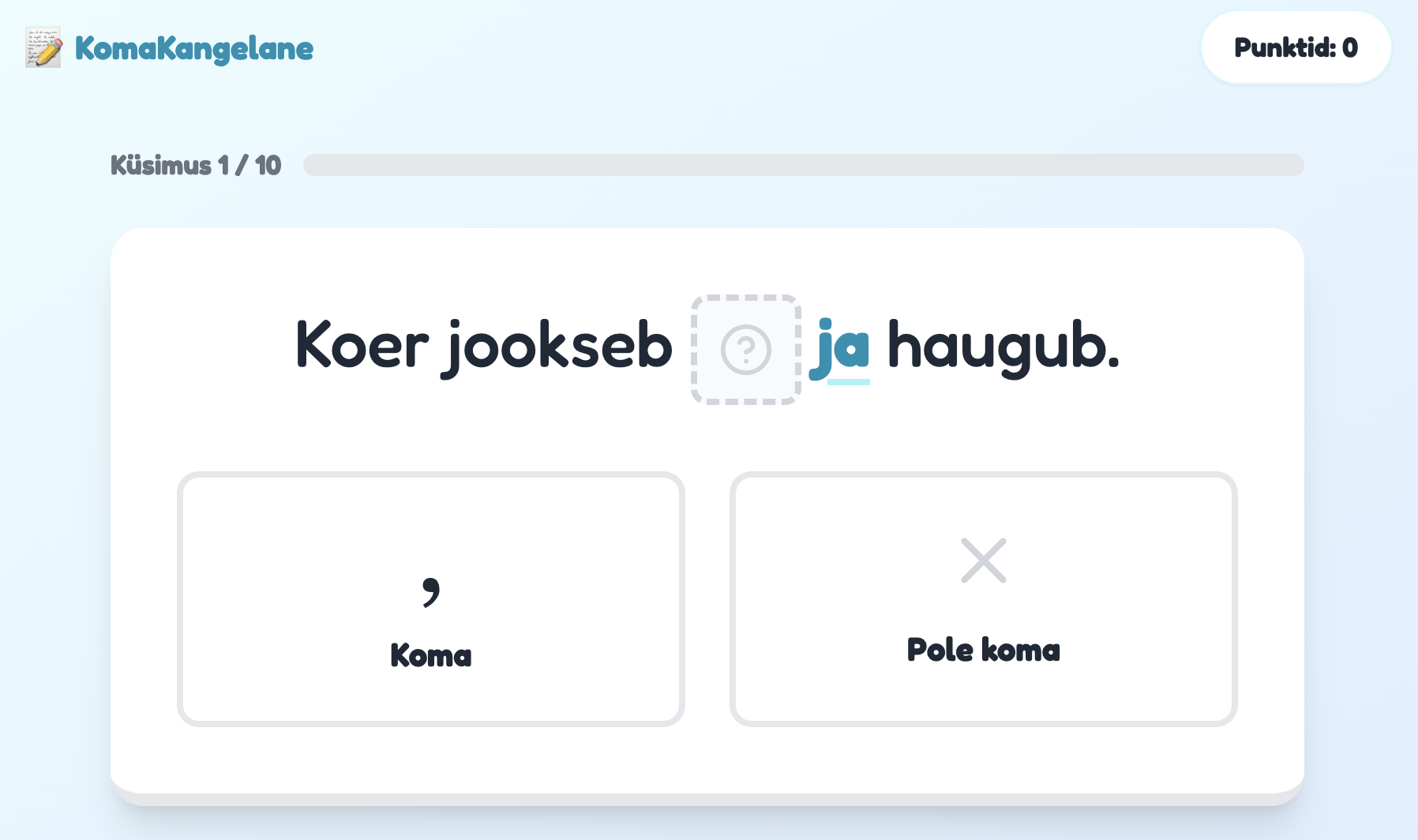
Gemini version 3 has arrived, and in addition to several updates, it promises better results in vibe coding, meaning writing code with the help of AI.
I tested the new model on a real-life task: teaching my child, through an interactive web solution, when a comma should be used before conjunctions in Estonian. The result was nice, but as with the previous model, working with AI still involves some tweaking and refining — all to ensure the outcome is good.
I had to fix the usual UX/UI design issues that appear with AI-generated outputs: for example, white text on a light yellow button background wasn’t readable, the “continue” button text was visible only on hover, in some places the text was too small, and there were some odd wordings. But nothing that would have prevented the game from being technically completed.
3. What nice new update has been added to Figma Make?
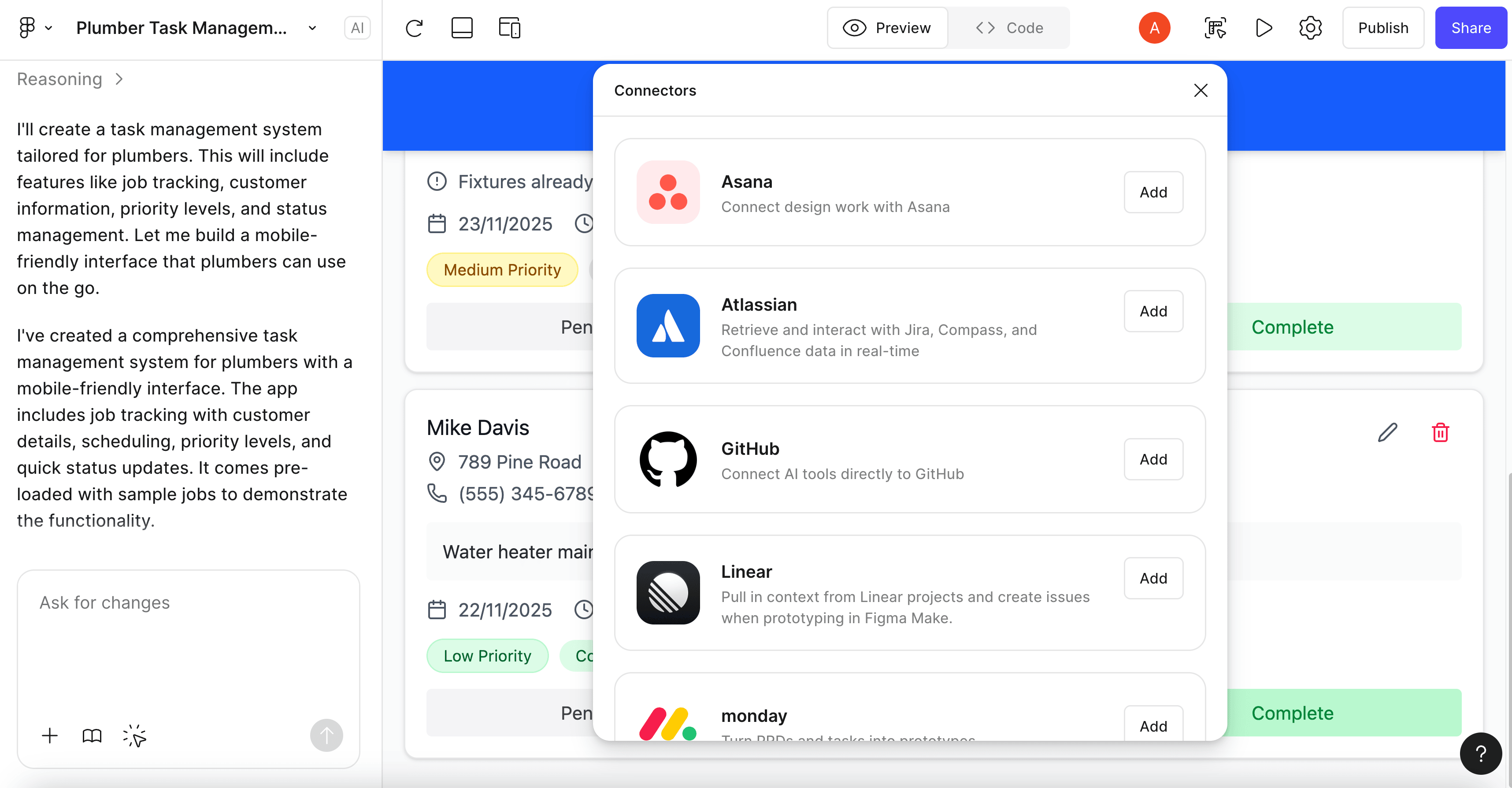
Figma Make is an AI vibe coding tool that recently added the ability to connect external software such as Notion, Asana, Jira, Confluence, and a few others.
This means you can feed the AI the input it needs to generate prototypes by pulling data from other tools — for example, project documentation stored in Confluence or tasks described in Jira.
4. What interesting things were shared at the Canva conference?
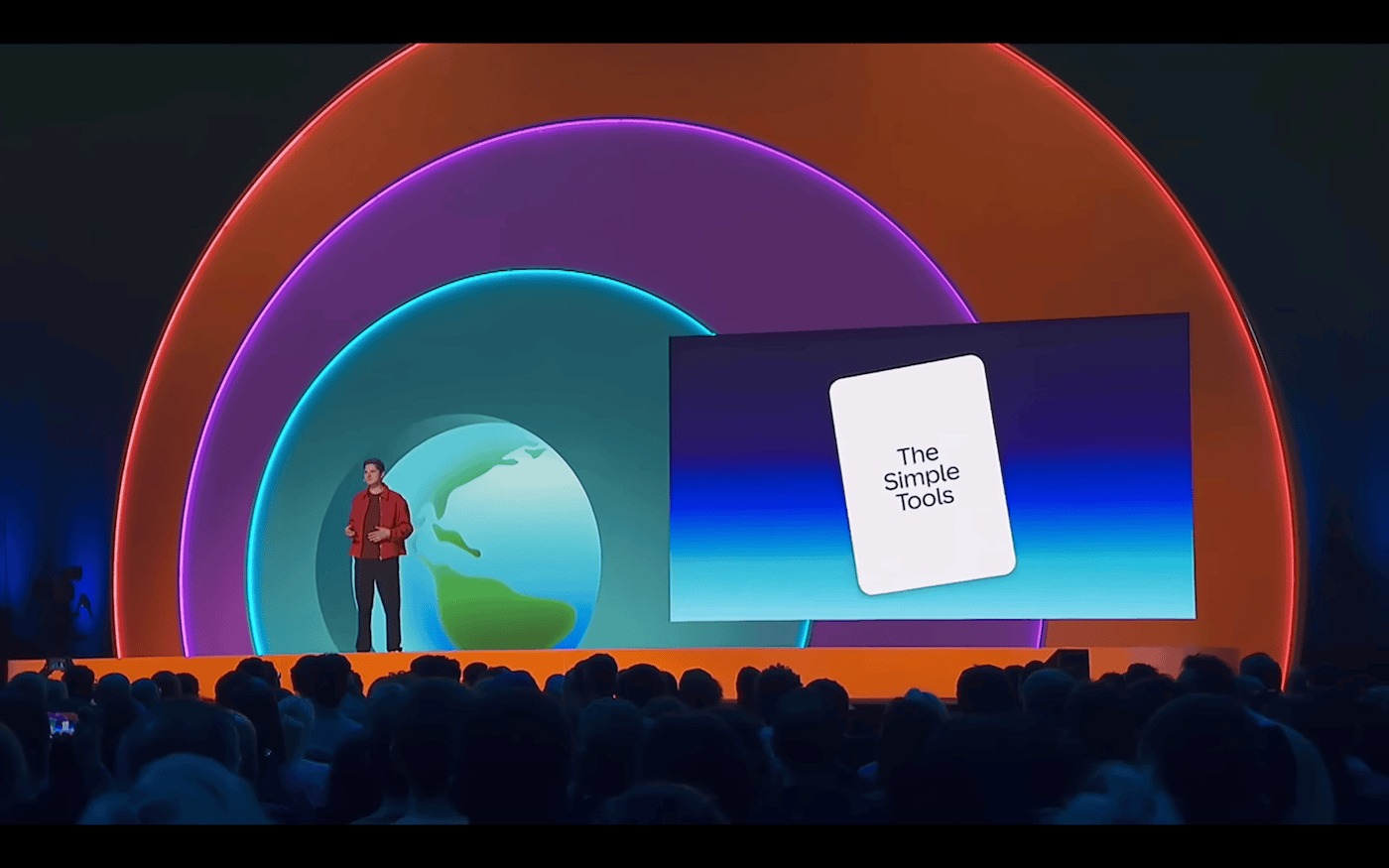
At Canva’s recent keynote “The Imagination Era,” several updates were introduced.
For example, Canva can now create emails, but it’s not yet possible to send them directly from the platform to your mailing lists. You need to download the file in HTML format and then send it via a tool like Mailchimp.
You can also add forms to websites created with Canva — for example, to collect contacts or gather feedback.
Canva Affinity — software similar to Adobe Illustrator and Photoshop — is now completely free!
5. What developments were presented at the Adobe event?
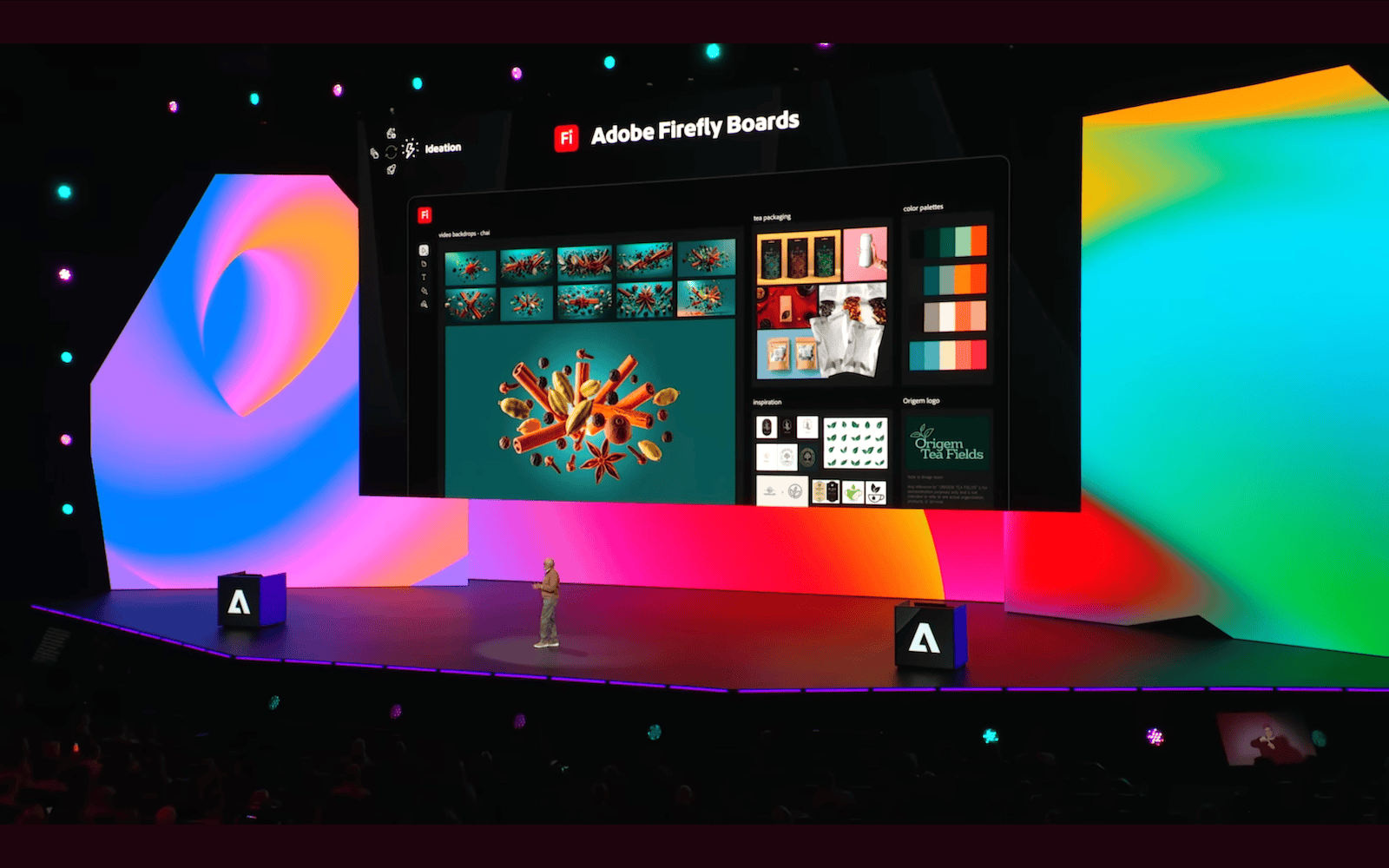
At the Adobe event, they showcased updates to various tools that are part of the Adobe ecosystem.
Adobe Firefly Boards lets you creatively brainstorm by adding different images to the workspace, mixing them together, and then applying Adobe’s, OpenAI’s, or Google’s image-processing models to them.
Project Graph is a workflow-building tool. With it, you can chain together different settings and commands. This essentially means you can feed an image in on one end and get an output image that has passed through a series of processing steps.
The Turntable functionality in Illustrator lets you rotate an object and see what it would look like from the side — without having to redraw it. For example, you can rotate your illustrated robot and view its side profile. All vector layers automatically reposition themselves in the background with the help of Firefly AI.
Thanks for reading to the end! 👍 High five. 🙌